
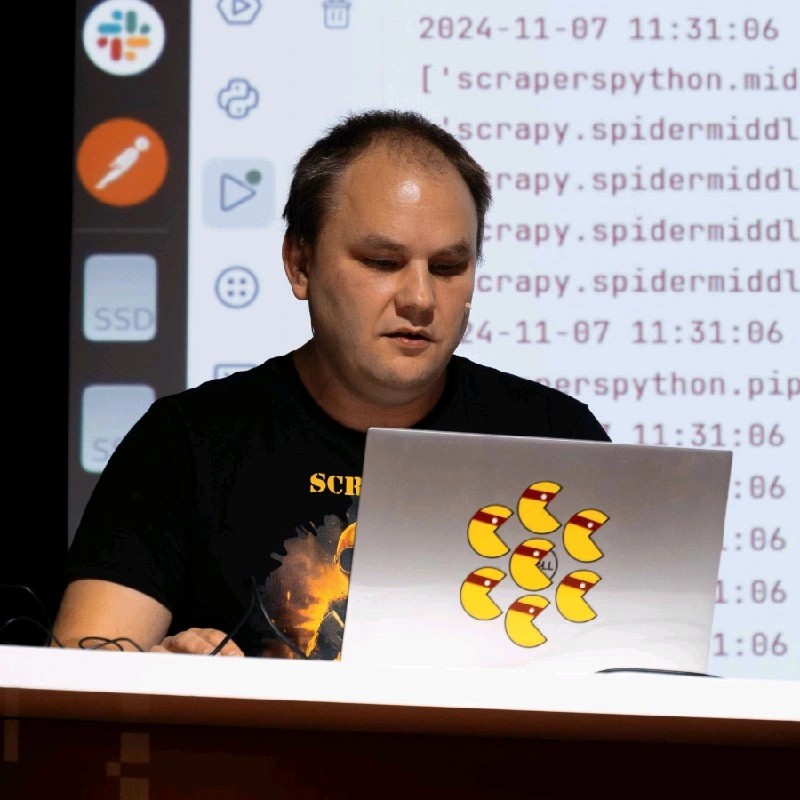
I just gave a talk at PyCon Lithuania 2026's AI Day. 25-minute presentation, 26 slides, each with a video, a consistent visual identity, punchlines, speaker notes, the whole thing. In 2 days.
Before, this kind of preparation used to take me 2 weeks. Researching the topic, iterating on the structure, writing and rewriting the script. That's the hard part, and it can't be rushed. But once the script was locked, going from nothing to a finished slide deck with generated images and animated videos? That took 2 days.
If you've read my previous posts, you know the drill. At Agely, we don't use AI as a bonus. We run on it. 2 humans, 0 to 1 phase, building a voice AI product for seniors. When your team is that small, you either automate or you drown. So when I needed to prepare this talk, I did what we do every day: I used Claude Code.
Here's exactly how it went.
Start by talking, not typing
I didn't open a text editor. I opened Claude and just talked. Everything on my mind about the topic, "What It Means to Be a CTO in an AI Startup Today." No structure, no filter. A brain dump, like a verbal mind map. All the themes, the stories, the opinions. Claude transcribed it and I had my raw material.
Important: the ideas didn't come from AI. The experiences, the opinions, the story about getting locked out of my own server. AI didn't invent the content. It helped me organize my ideas.
Iterate on structure until it hurts
I asked Claude to take that raw dump and propose 5 different talk outlines. The constraint: it didn't have to use everything. It could pick, select, find a red thread. A coherent narrative arc.
1st batch? Not great. So we iterated. Feedback, adjustments, another batch. Then we started refining one specific plan: what each slide would say, what the key messages were, where the transitions lived.
Then I did something that turned out to be critical. I asked Claude: "Honestly, do you think this will interest people?"
And it said "Honestly? No".
It told me the current version was too flat, too descriptive. It pointed out where I was telling instead of showing, where the energy dropped. We reworked the entire plan based on that feedback. That moment right there, that's what I mean by Judgment. Knowing when to ask the hard questions, and actually listening to the answers.
Script first. Slides last. Always.
We wrote the full script before touching a single slide. Every word I'd say on stage, slide by slide. Not bullet points. The actual spoken text. This is a mistake I see a lot: speakers hide behind slides and then figure out what to say. Flip it. The message comes first. Slides are just the visual support (thanks Toastmasters).
I practiced reading each section out loud. Some parts were too long, some too short, some just didn't sound like me. I rewrote what needed rewriting, asked Claude to adjust others, deleted entire sections. I changed the tone so it matched how I actually speak. The talk was in English, and I wanted it to sound natural.
Then we did the math. A fluent English speaker does roughly 130 words per minute. For a 20-minute talk, that's about 2600 words. Claude counted the words with a Python script, flagged sections that were over budget, and we trimmed until it fit. Timing matters. If you go over, you lose the audience.
We also worked on punchlines. For each key moment, Claude proposed several options. I picked the ones that sounded right:
- "The real breakthrough? A tiny boolean: finished or not finished."
- "In 2020, a great CTO added a lot. In 2026, a great CTO deletes a lot."
- "I review the shape of the forest, not the bark of each tree."
Now, build the slides
Only now did we touch the actual presentation.
I asked Claude to find the best JavaScript framework for developer-friendly slide decks. It researched the landscape and picked Slidev: Vue-based, Markdown-driven, runs in the browser. Perfect for someone who thinks in code.
Claude implemented the 1st version: raw content, placeholder layout, proper structure. Nothing fancy, but I could run pnpm dev and see the talk take shape. From there, we iterated on layout, typography, colors. 1920px canvas, Tailwind styling, light theme with amber accents.
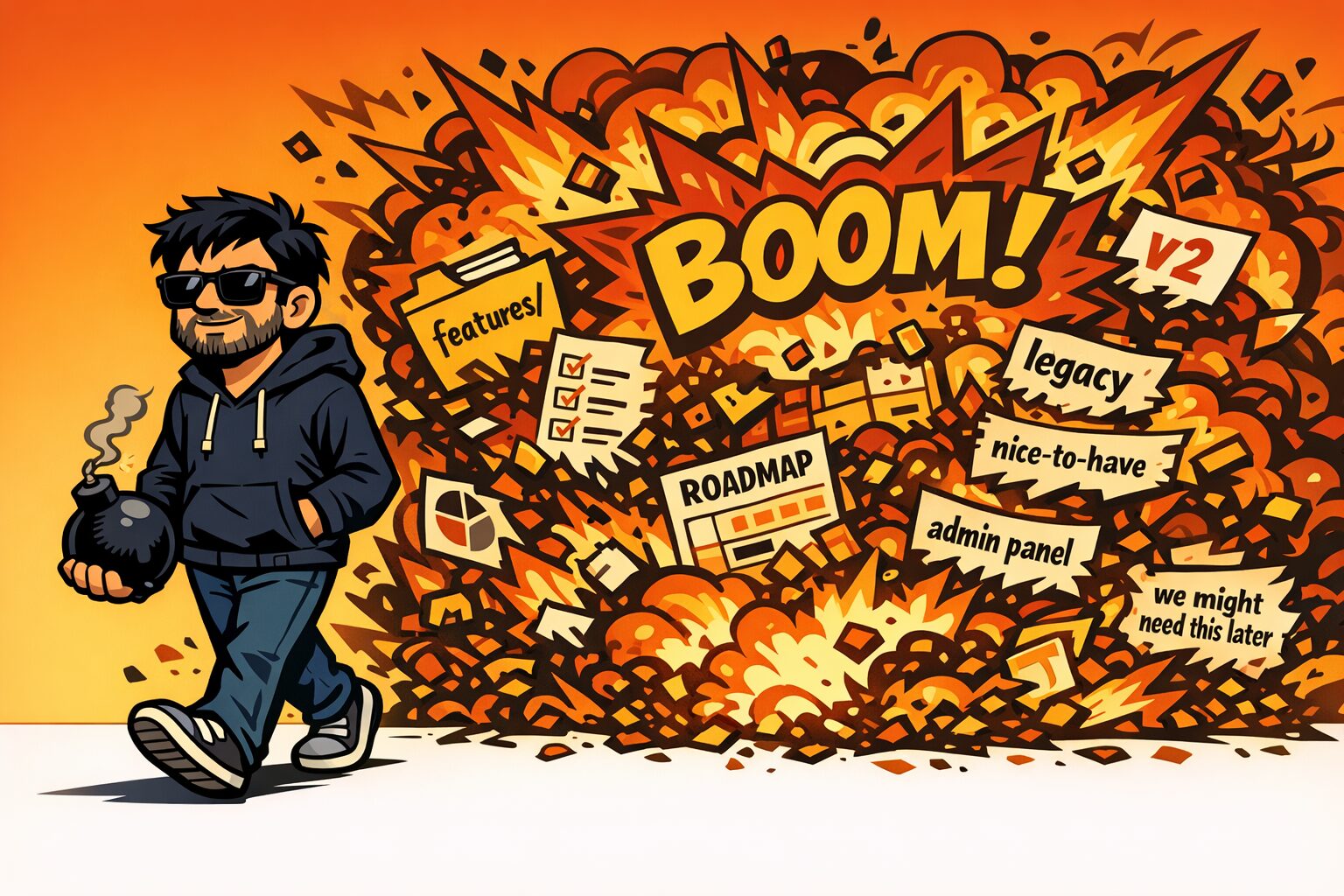
For the visual identity, I asked Claude to come up with a recurring character. It proposed a CTO in comic-book style: messy dark hair, rectangular glasses, navy hoodie with an amber logo. That character shows up across all 26 slides: confident on the cover, amazed during the agent loop explanation, frustrated when locked out, relaxed in a hammock.
Generate every image with AI
Here's where it gets fun. I built an MCP server connected to OpenAI's image generation. It's the same one I use to generate UI mockups for our webapp and mobile app at Agely. Claude uses it directly from the terminal.
First, we created reference sheets: a character sheet with the CTO in different poses, a props sheet with recurring objects (robot hamster in a wheel, balance scale, red crab villain for OpenClaw), and symbol sheets for the 3 key concepts: Judgment, Taste, Deletion.
Then, slide by slide, Claude generated images using these references for visual consistency. Same style everywhere: cartoon, thick black outlines, bold flat colors, warm amber/gold palette, no gradients.
About 50% of the images were good on the first try. The other half needed a 2nd pass, some a 3rd. We checked text elements, mood, character consistency. The whole pipeline ran through Claude Code. No Photoshop. No Figma. Just prompts, generation, review, regenerate.
The cherry on top: animated videos
Nice images were not enough. I wanted every slide background to be a looping video instead of a static image. I asked Claude which model would be best for short cartoon animations from still images. It recommended Kling 3.0 Pro via fal.ai, excellent at cartoon styles because it doesn't need to simulate realistic physics.
Claude wrote a Python script that uploads each source PNG to fal.ai, sends a motion prompt describing subtle ambient animation (pulsing lights, swaying fabric, drifting particles, flickering screens) and downloads a 5s seamlessly looping MP4.
The key insight: no character movement. No walks, no gestures. Just ambient motion. This keeps the loop seamless and the audience focused on the speaker, not the slides.
I kicked off the batch generation at night. By morning, I had 26 looping videos. All of them worked on the first try. The negative prompt did the heavy lifting: "no blur, no distortion, no camera movement, no zoom, no morphing, no extra limbs, no glitch."
In Slidev, they play as background <video autoplay muted loop> elements. The effect is subtle but striking. People at the conference were filming the slides. When the audience pulls out their phones to capture your visuals, job is done.
This is how we build everything
This post isn't about 1 talk. It's about how we operate at Agely.
We don't have a design team, a content team, or a video production department. We have AI agents integrated into every workflow. Claude Code is not a tool we use sometimes. It's a team member that handles execution while we handle judgment.
The methodology I used for this talk is the same one I described in my previous posts:
- Human provides the vision: what to build, why it matters, what good looks like
- AI handles execution: structuring, writing, generating, iterating
- Human applies judgment: is this good enough? Does it land? Delete what doesn't work
- Iterate until it's right: not "accept the first output," but real back-and-forth collaboration
The talk itself was about exactly this. 3 words that define the new CTO role: Judgment. Taste. Deletion. And building the talk was a live demonstration of all 3.
Judgment to know what message to deliver. Taste to shape visuals that capture attention. Deletion to cut everything that didn't serve the story.
2 days. 1 human. A lot of AI. A talk that people filmed.
The paradigm has shifted. The question isn't whether to adapt. It's how fast you're willing to move.